

ArtCenter Entrepreneurship Course
Ideator
- UX/Interaction Design
- AI Ideation Workflow
- Design Systems
- Visual Design
An AI ideation toolkit that helps students get unstuck by pairing proven UX methods with image-to-text AI.
Ideator brings popular UX methods like SCAMPER and Mashup into one workspace. Students can start from a method or a blank space, turn an inspiration image into keywords with AI, and chain methods together to push an idea further.
I built Ideator on my own in an ArtCenter entrepreneurship course, where the goal was to launch a real product. Interviews with 15 designers, students, and business professionals pointed to three blockers: ideating alone, not knowing where to begin, and not knowing where to look. I turned those findings into wireframe prototypes, tested them with 20 people, compared two image-to-text AI models, designed the final product and its style guide, and pitched it at the end of the course.
If you’d like to learn more, get in touch.
The challenge
How might we help students explore new directions when they’re stuck on their next big idea?
Problem
Students struggle every day to find new ideas and solutions for their coursework, and often don’t know where to begin.
Solution
An AI-powered ideation toolbox that sparks inspiration through proven UX methods and design thinking.
Research
Why students get stuck
Students are under real pressure, and new ideas don’t come easily when you’re overwhelmed.
- 21%of students felt unprepared for college courses, up from 11% the year before
- 58%felt stressed or overwhelmed by time spent studying and supplementing their learning
- 1 in 3considered dropping out of college because of these challenges
Source: McGraw Hill
I interviewed 15 designers, students, and business professionals about how they come up with ideas. Three patterns kept coming up.
-
Insight 01
They ideate alone first
People like to ideate on their own, then bring their findings and finished thoughts to the group.
-
Insight 02
They don’t know where to begin
Whether it’s writer’s block or too few perspectives, getting started is the hardest part.
-
Insight 03
They don’t know where to look
With an overwhelming amount of information available, it’s hard to know where to find what’s useful.
The solution
One workspace for guided ideation
Ideator pairs popular UX methods with AI so students always have a next step. Here are two short walkthroughs of the final prototype.
-
01
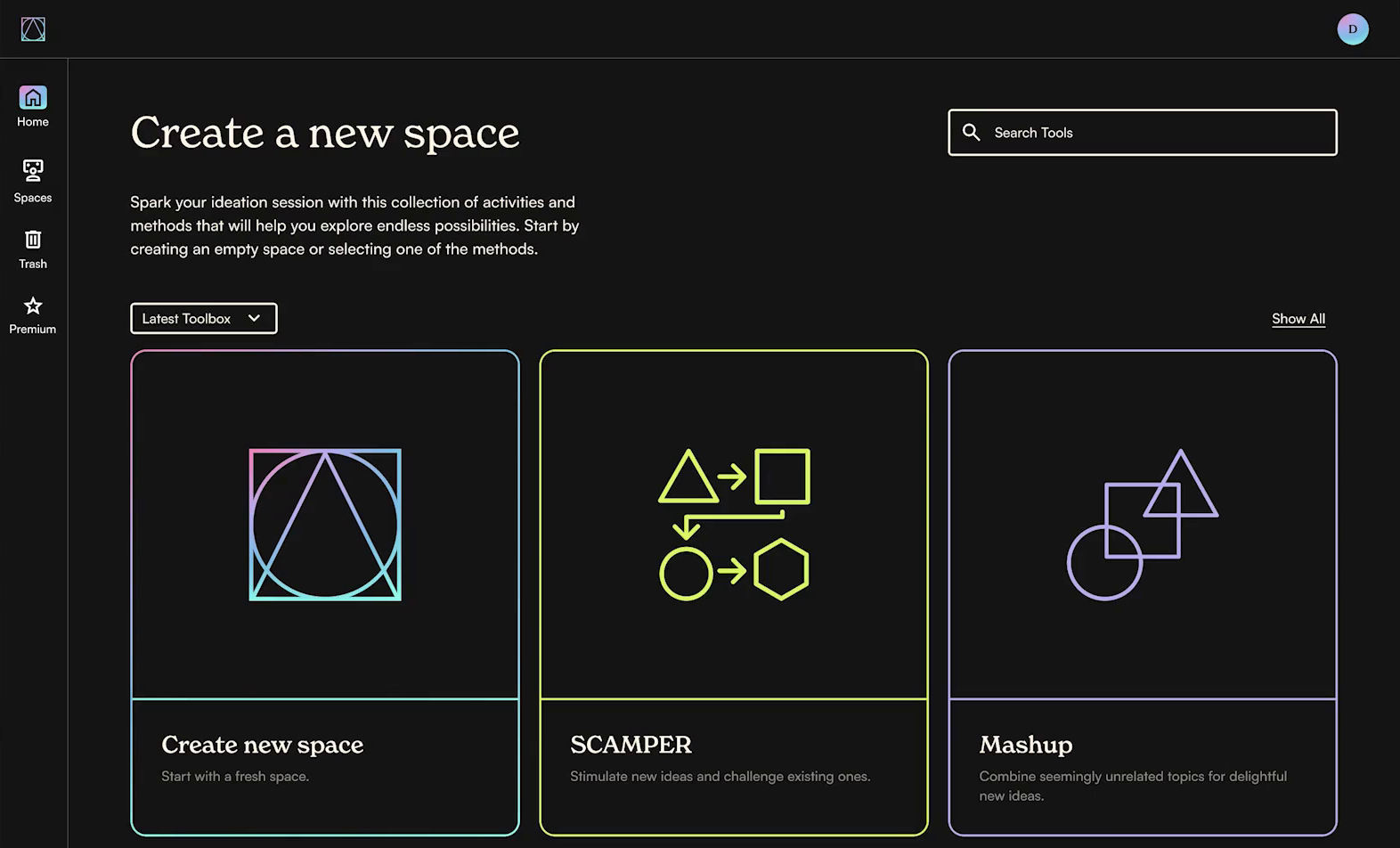
Start from a method, not a blank page
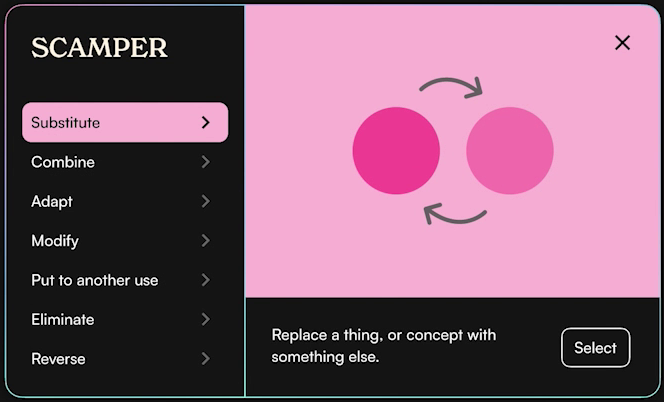
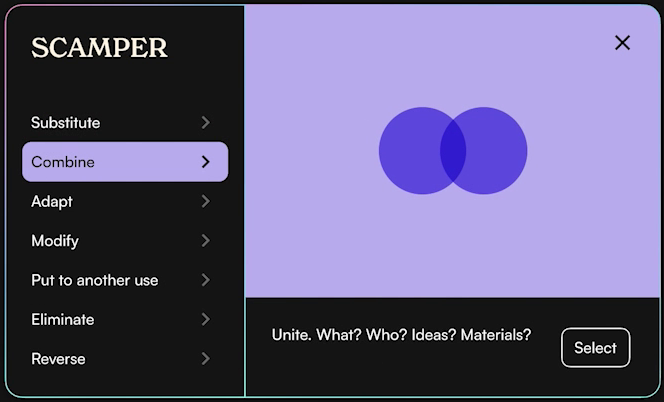
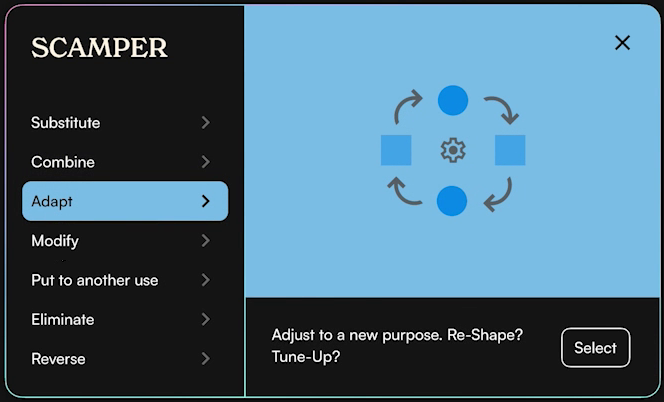
Start with an empty space, or quick-start a session with a popular UX method like SCAMPER or Mashup.
-
02
Explore different directions
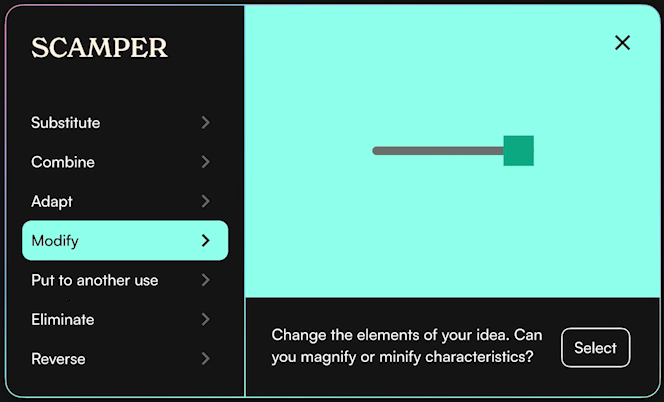
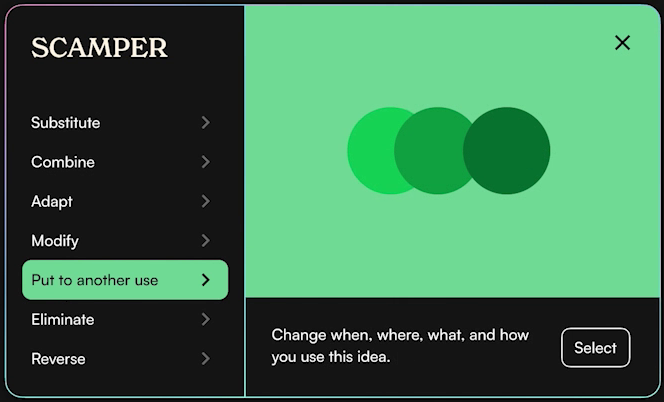
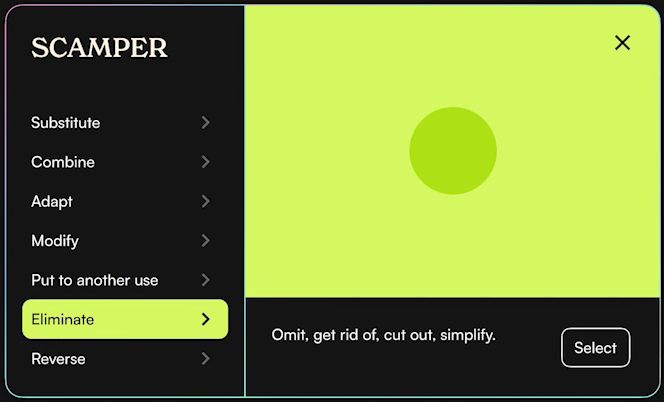
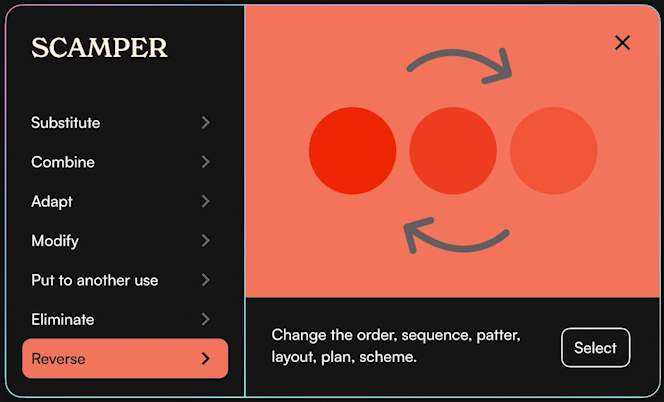
Each tool comes with a set of methods to apply to your thinking. SCAMPER alone has seven prompts, so one idea can branch in several directions.
-
03
Turn an image into ideas
Drop in an image that inspires you, and Ideator pulls out keywords and themes to build on.
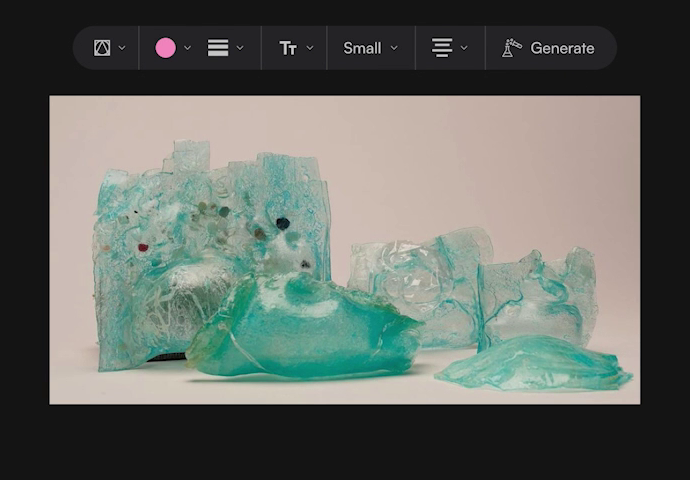
1Add an image and press Generate. 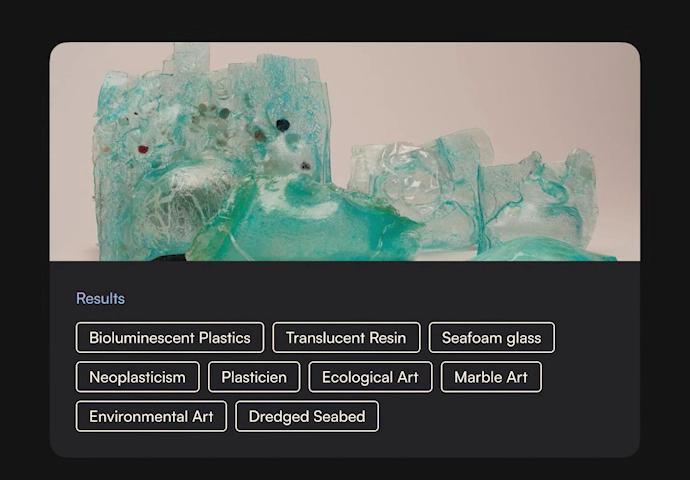
2Ideator returns keywords and themes to build on. -
04
Chain methods together
Layer UX methods on top of earlier results, like running SCAMPER on keywords from an image, to reach more unexpected ideas.
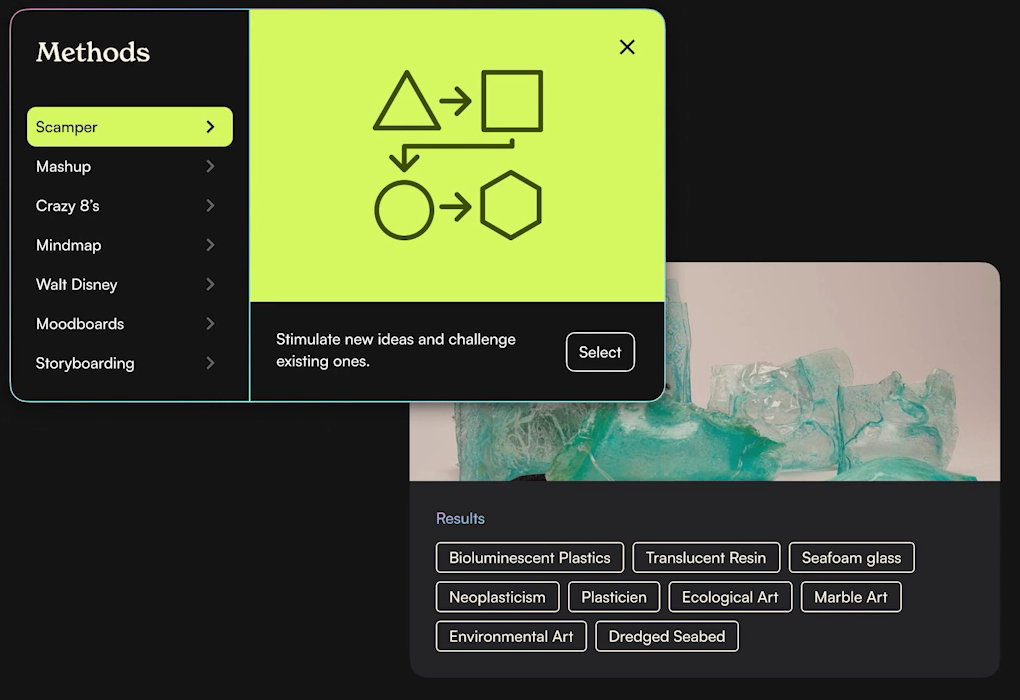
1Pick a method, like SCAMPER, to run on those results. 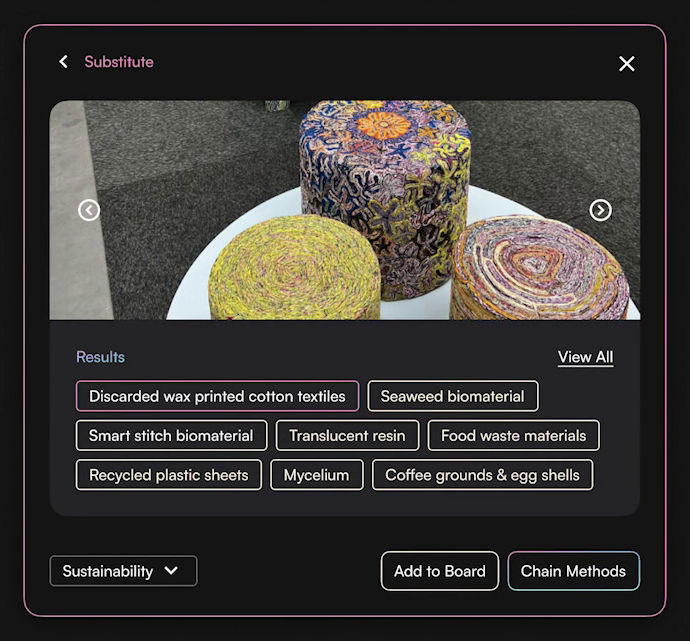
2Substitute suggests new materials, ready to chain again.
Process 01
Choosing an image-to-text model
Image to text had to turn a single photo into keywords worth building on. I ran the same image through two models to compare the results.
-

CLIP Interrogator
- Pro
- Wide range of results, grouped into categories
- Con
- Queries can take a while
-

Replicate
- Pro
- Fast output
- Con
- Less detail and a narrower range of results
The comparison came down to a tradeoff: richer, categorized keywords to build on, or faster results.
Process 02
What users asked for
I tested wireframe prototypes of the MVP with 20 people, then revised them based on what they told me.

MVP wireframes used in testing
“I want to be able to sketch, write, input various media and potentially links.”
“What if I want to continue to generate based on these?”
“I work visually, what if your system could ideate this way?”
“Can your system support students through suggestions and create a more collaborative experience?”
Two changes came out of testing: chaining methods, so people can keep generating from earlier results, and SCAMPER quick-starts, so people who don’t know where to begin get a first step.
Visual design
A style guide for the whole toolkit
New Spirit sets the display and headline styles, and Satoshi handles titles, labels, and body text. Ten “Inspire” accent colors, from InspirePink to InspireBrown, give each method and step its own color, alongside neutral fills and semantic colors for alerts.

Positioning
Where Ideator fits
I mapped existing ideation tools from prescriptive to imaginative and from fixed to modular. IDEO Method Cards, IdeaFlip, and most whiteboard tools lean prescriptive.
Ideator aims for the modular, imaginative corner: for students, professionals, and thinkers who want an imaginative, intelligent, and collaborative way to ideate.

Outcome
From MVP to pitch
I pitched Ideator at the end of the course and kept building it after.
The biggest lesson was how much it takes to build an MVP, test it, and get it in front of real people.
Want to hear more? Get in touch →Keep exploring

SpatiumDigital Streaming Experience

MiraAR Shopping Experience

HolohubAR Experience for Remote Design Education

OTTAVAUX Design & Advanced Prototyping

VivantRetro Audio Visual Mixtape Generator

Garden PalMR Children's Game

DreamforceHybrid Event Experience
